Electricity bills are a monthly concern for millions of people across Punjab, Pakistan. Whether you live in Faisalabad, Chiniot, Jhang, Toba Tek Singh, Sargodha, Bhakkar, Khushab, or Mianwali, understanding your FESCO electricity bill is important for managing your monthly expenses.
Many consumers regularly search for terms like “FESCO online bill check,” “FESCO duplicate bill download,” and “how to understand electricity bill in Pakistan.” This shows that people are often looking for simple and reliable information about their electricity bills.
FESCO Online is created to help users easily check their FESCO bill online, understand billing details, and learn about electricity charges in a simple way.
Why Your FESCO Electricity Bill May Be Higher
Many users are confused when their monthly electricity bill increases even if their usage seems the same. This is a common issue in Pakistan’s electricity billing system.
Your FESCO bill may change due to:
- Higher electricity unit consumption
- Seasonal usage (summer or winter demand)
- Fuel price adjustment (FPA charges)
- Government taxes and surcharges
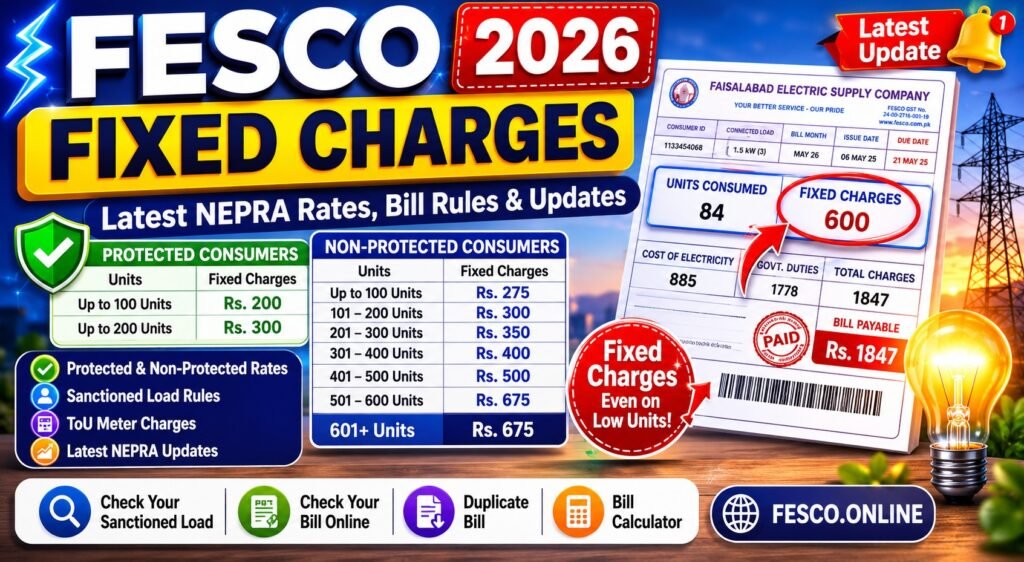
- Fixed monthly charges
- Peak-hour electricity usage
Understanding these factors can help you better manage your electricity usage and reduce unnecessary costs.
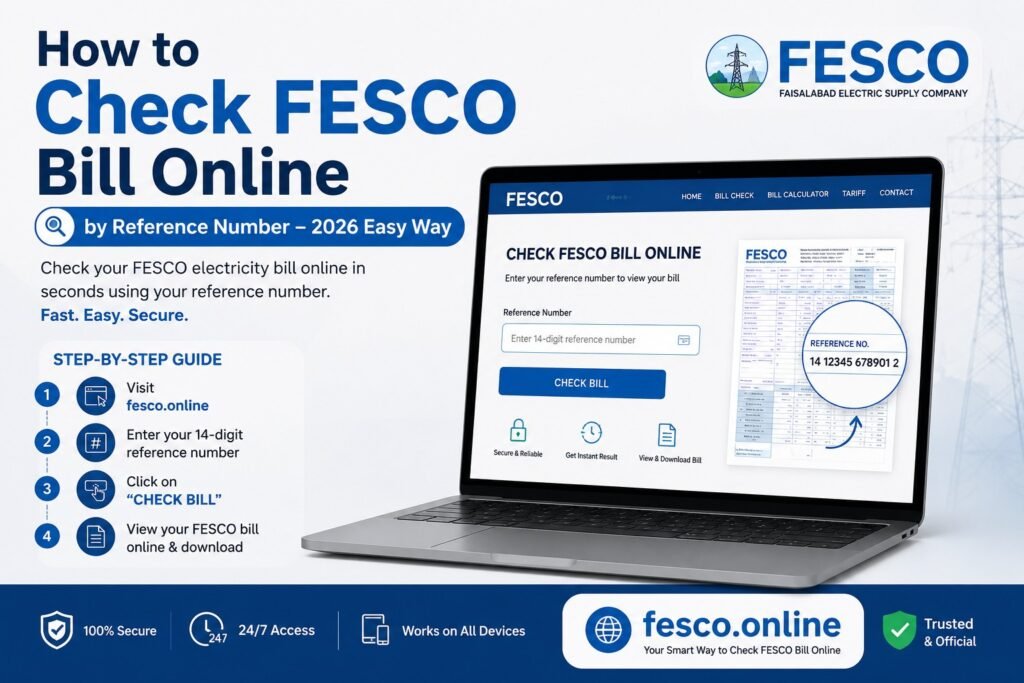
Check FESCO Online Bill by Reference Number or Customer ID
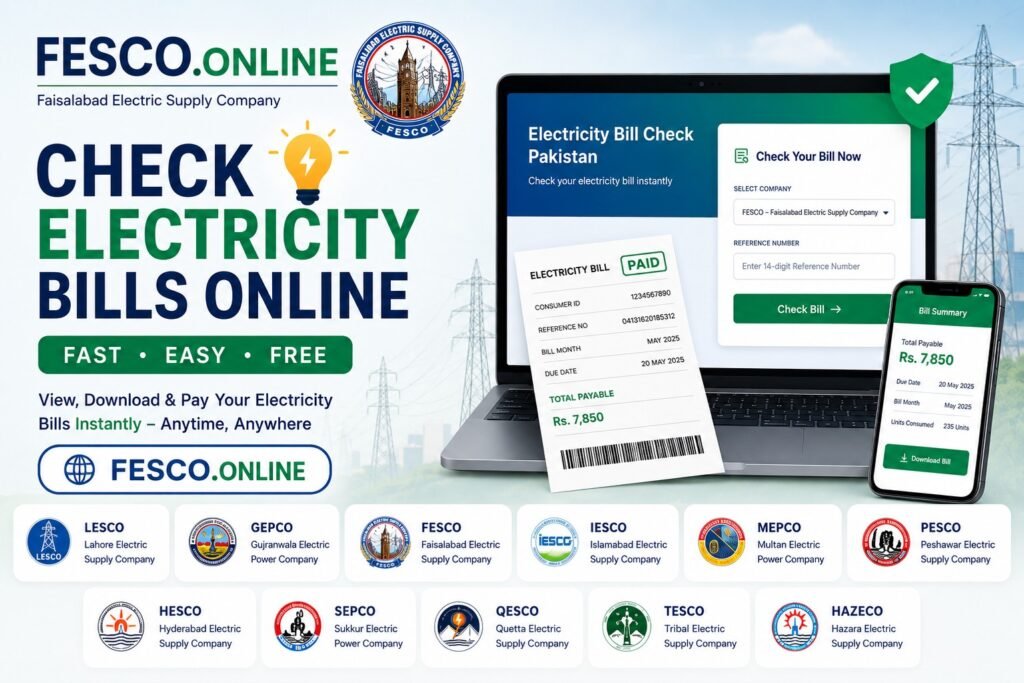
You can easily check your FESCO electricity bill online using:
- 14-digit Reference Number
- 10-digit Customer ID
Once entered, your latest bill appears instantly. You can:
- View your bill online
- Download duplicate bill copy
- Print bill for payment
- Check due date and billing details
This online facility saves time and helps users avoid delays in receiving physical bills.
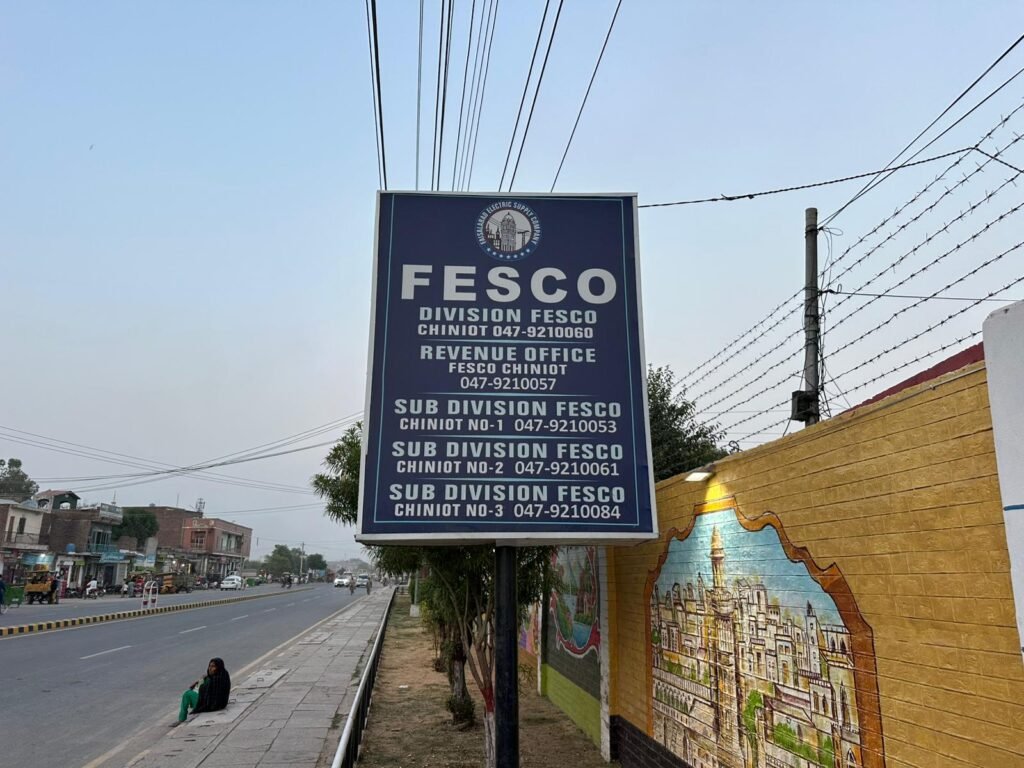
What is FESCO (Faisalabad Electric Supply Company)?
FESCO stands for Faisalabad Electric Supply Company, a government electricity distribution company in Pakistan. It was established in 1998 and supplies electricity to millions of consumers across central Punjab.
FESCO operates under government regulations, while electricity pricing and policies are managed by NEPRA (National Electric Power Regulatory Authority).
FESCO Service Areas in Punjab
FESCO provides electricity in the following major districts:
- Faisalabad
- Sargodha
- Jhang
- Toba Tek Singh
- Bhakkar
- Khushab
- Mianwali
- Chiniot
These regions include urban, rural, agricultural, and industrial consumers who depend on FESCO for daily electricity supply.
How to Find Your FESCO Reference Number
To check your FESCO bill online, you must have your 14-digit reference number.
You can find it:
- On your previous electricity bill
- Usually printed on the top or left side of the bill
Without this number, you cannot access your online bill.
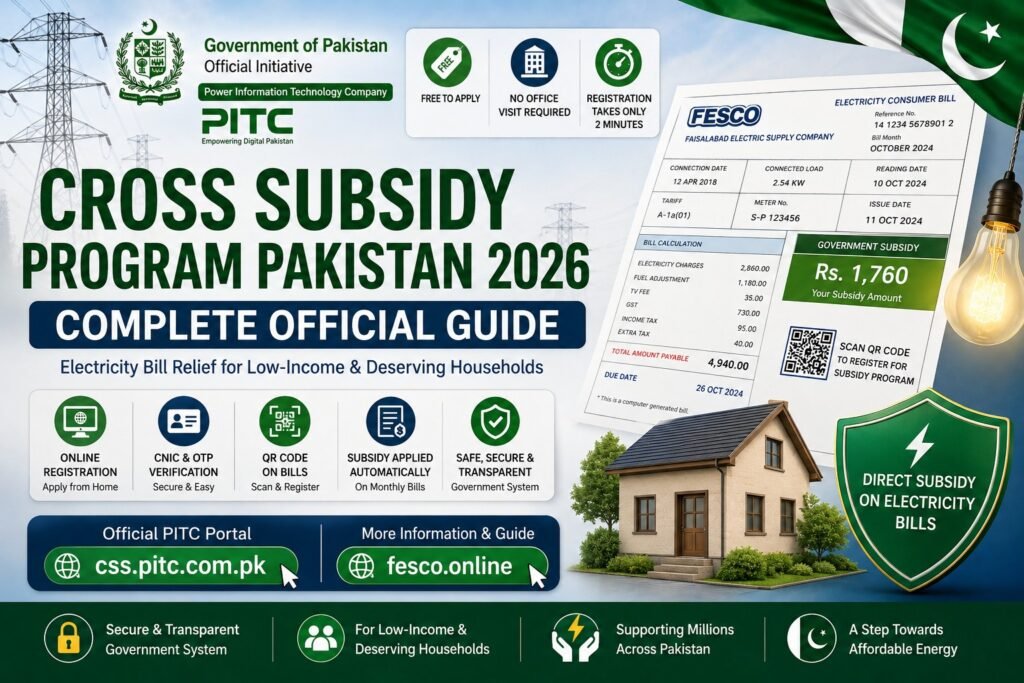
Understanding Your FESCO Electricity Bill
A typical FESCO electricity bill includes several important components:
- Units consumed (electricity usage)
- Energy charges
- Fixed charges
- Fuel price adjustment (FPA)
- Government taxes (GST, electricity duty)
- Surcharges and adjustments
Knowing these parts helps you understand how your final bill amount is calculated.
FESCO Bill Payment Methods
You can pay your electricity bill using both online and offline methods.
Online Payment Options:
- JazzCash
- EasyPaisa
- Mobile banking apps
- ATM or bank apps
Offline Payment Options:
- Bank branches
- Post offices
- Authorized payment centers
Peak Hours in FESCO Region
Electricity usage is higher during peak hours, which can affect load and consumption:
- April to October: 6:30 PM – 10:30 PM
- November to March: 6:00 PM – 10:00 PM
Reducing usage during these hours may help manage electricity load more efficiently.
Common FESCO Consumer Questions
Users frequently search for:
- How to check FESCO bill online?
- How to download duplicate bill?
- Why is my electricity bill high?
- How to find reference number?
- How to check old electricity bills?
- What is late payment surcharge?
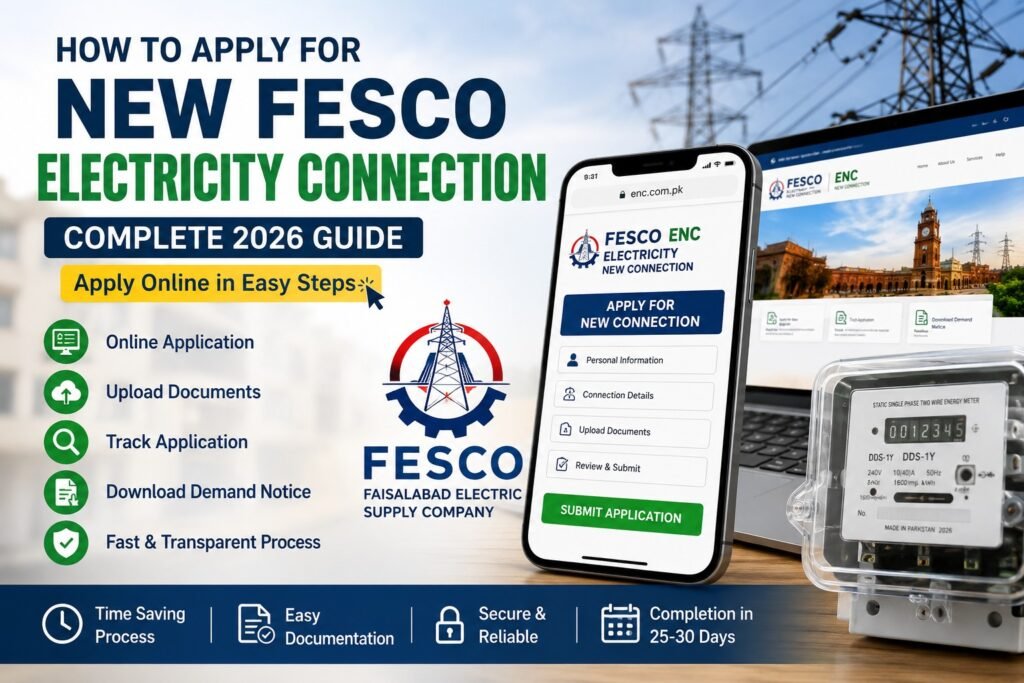
- How to get new electricity connection in FESCO?
Final Note
FESCO Online is an independent informational platform designed to help users easily understand their electricity bills, charges, and related services.
You can quickly check your FESCO bill online using your reference number or customer ID anytime, from anywhere.